Two subtitles at once
Read each line in your new language, with your own language below it. Replay a line, pause after each line, or hide the translation to test yourself.

Free Chrome extension
Watch with two subtitles at once. Click any word to see what it means in that sentence, save it, and review it just before you would forget it.
Read each line in your new language, with your own language below it. Replay a line, pause after each line, or hide the translation to test yourself.
Click a word to see what it means in this sentence, with example sentences and the sound of the word.
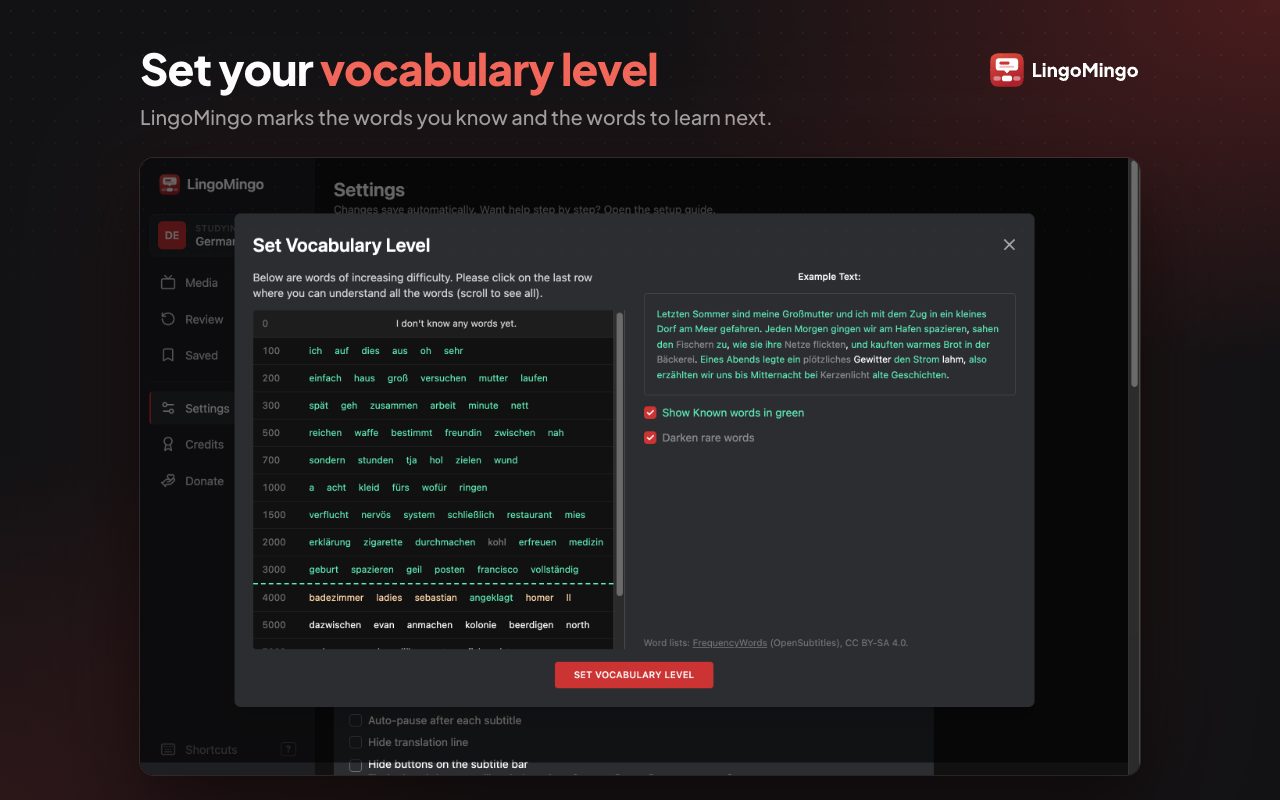
Set your level once. Words you know turn green, and the words to learn next turn orange.
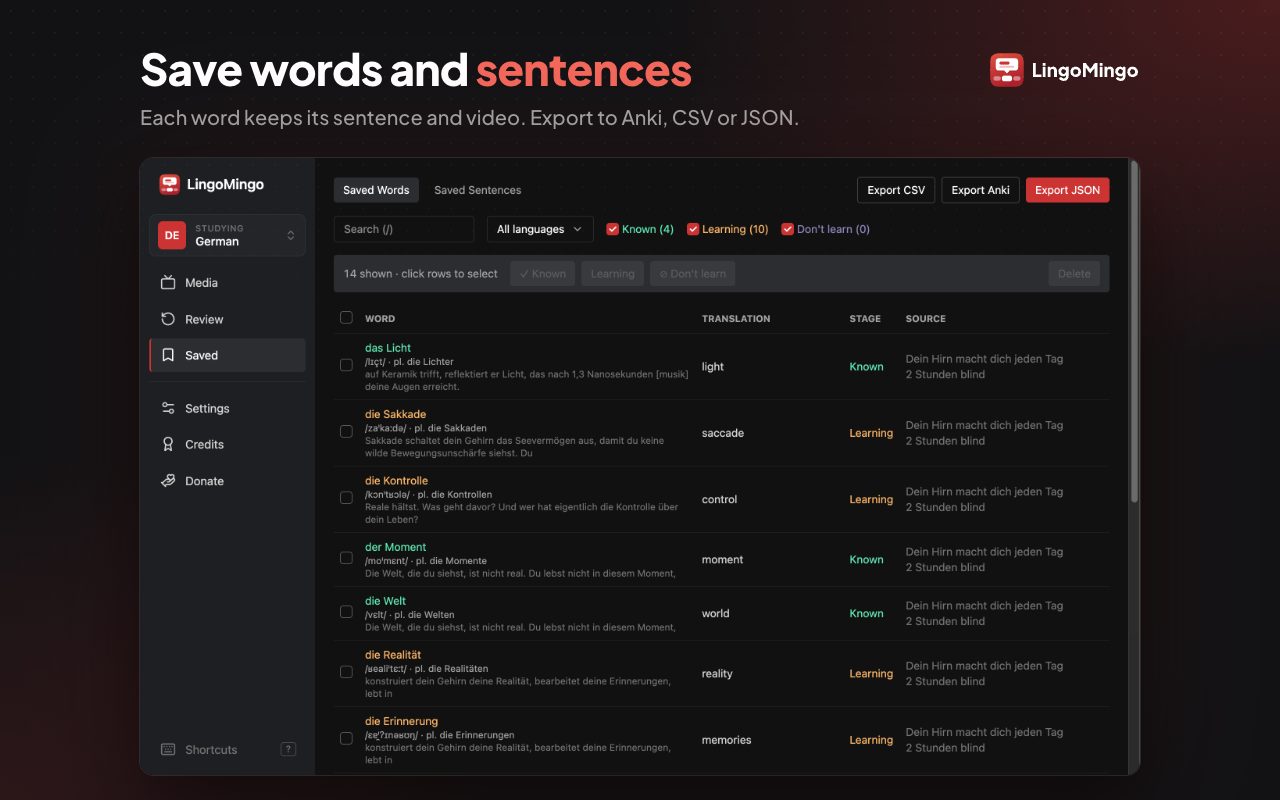
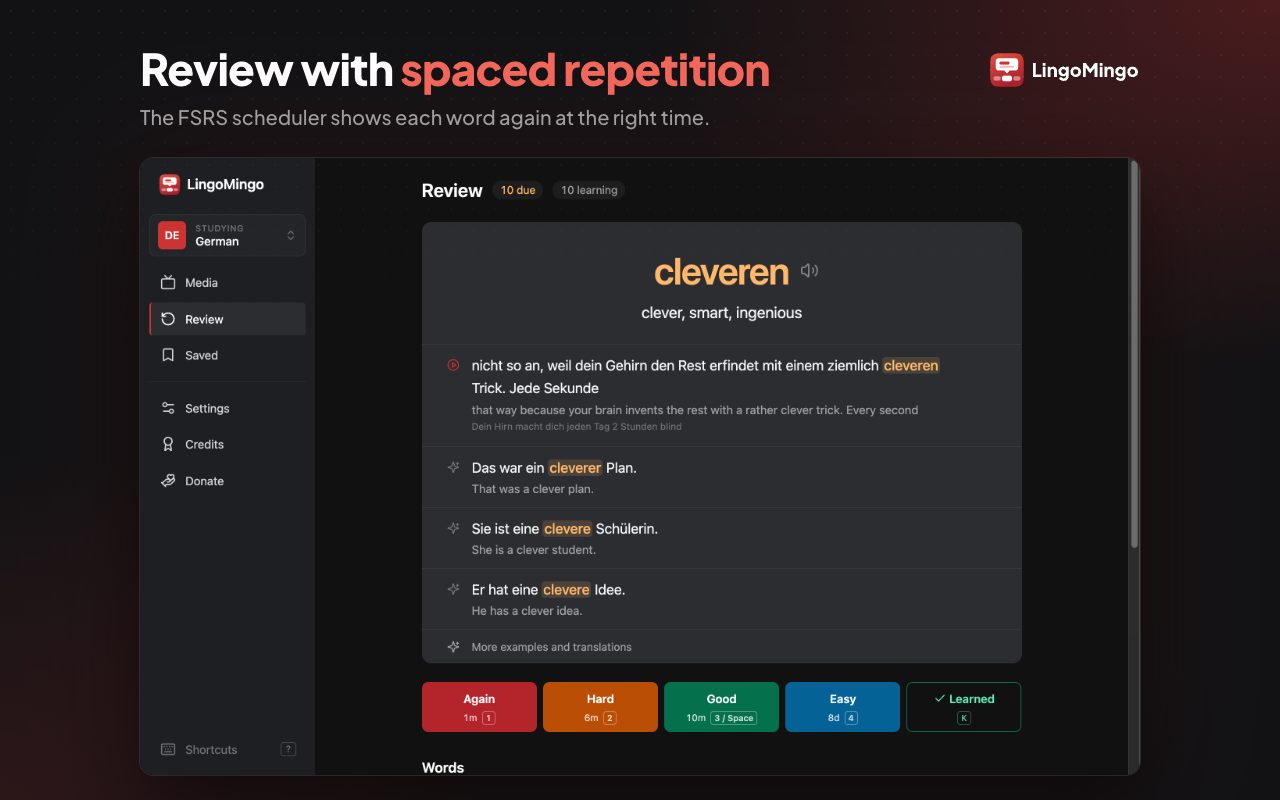
Save words and lines with one click. Flashcards come back just before you would forget them. Export to Anki or CSV.
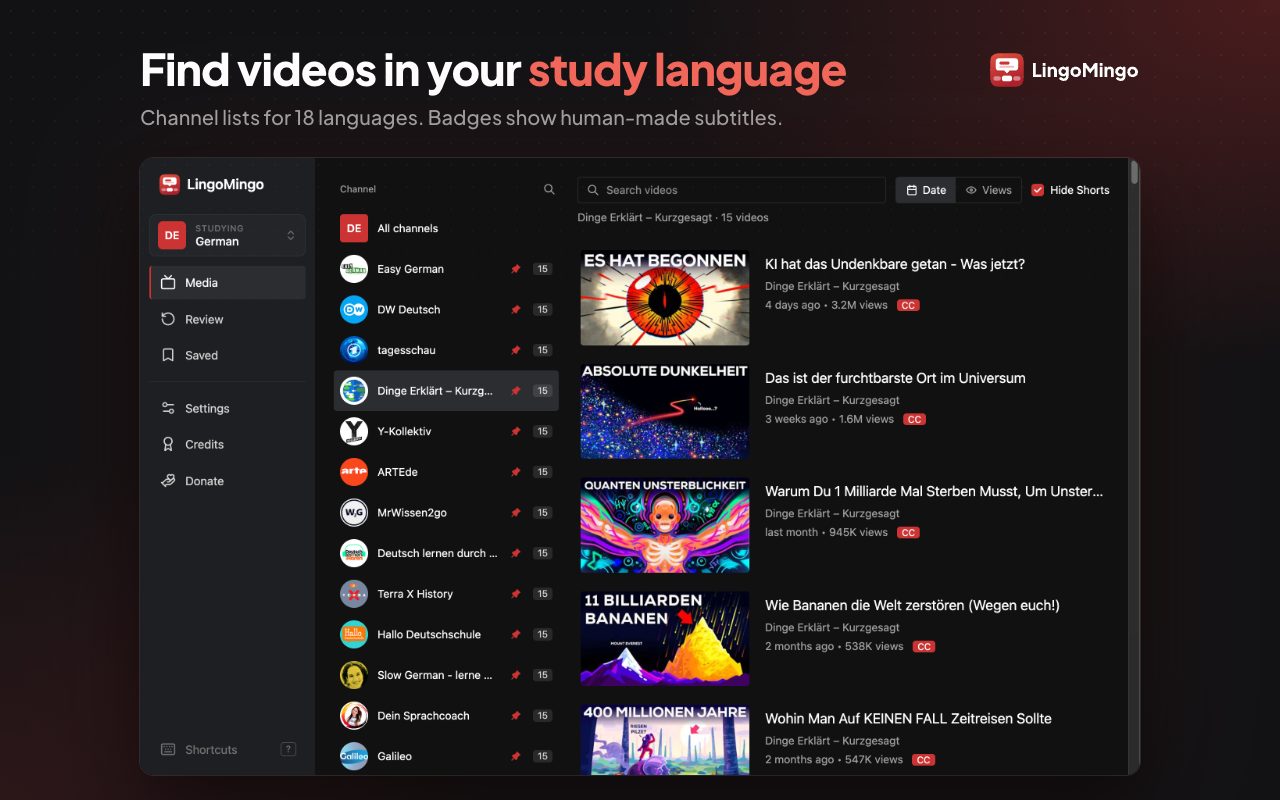
Browse new videos from hand-picked channels in 18 languages, and see which videos have subtitles made by people.
Use your own key for Claude, OpenAI, Gemini, DeepSeek, Grok or OpenRouter, or run a free model on your own computer.
Sync your words, review progress and settings through your own Google Drive, or keep a backup file.
Arabic, Chinese, Dutch, English, Finnish, French, German, Hebrew, Hindi, Italian, Korean, Persian, Polish, Portuguese, Russian, Spanish, Swedish, Turkish and Ukrainian.
LingoMingo has no server. Your words and settings stay in your browser, and the text you translate goes only to the AI service you choose. The Google Drive sync uses a hidden folder in your own Drive and cannot see your other files.
Read the privacy policy →Free. Works in Chrome, Brave, Edge and other Chromium browsers.